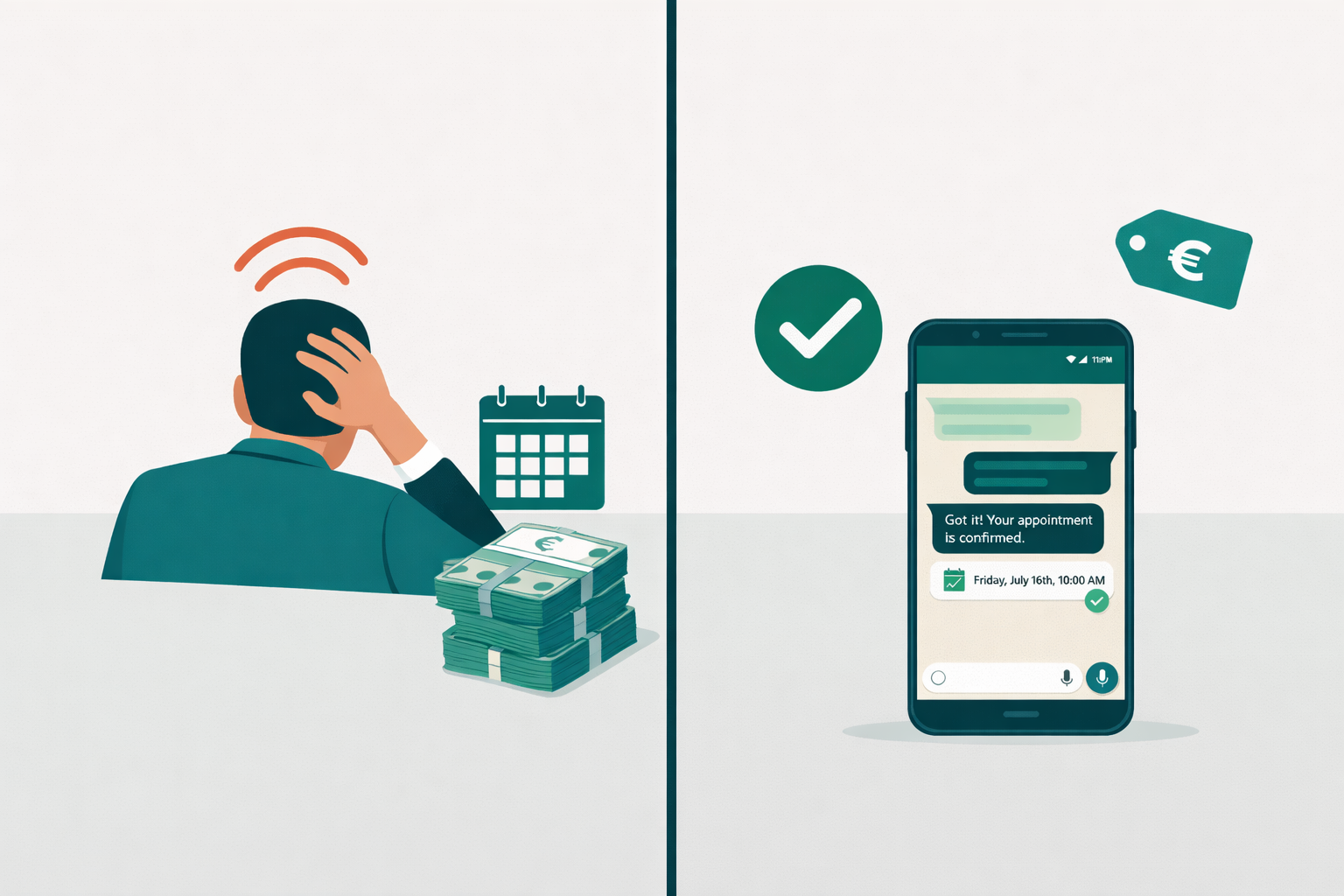
It's a Saturday morning and your salon is packed. Every stylist has a client in the chair, the phone hasn't stopped ringing, and your WhatsApp has 11 new messages. By the time you get to those messages at 3 PM — six of those potential clients have already booked with the salon across the street.
Not because your work isn't better. Because the salon across the street replied first.
This is the most common and most preventable way salons lose revenue. Here's how to fix it.
Why Salons Struggle With Bookings
It's not a staffing problem or a marketing problem. It's a response problem.
Salon owners and stylists are on the floor for most of the working day — cutting, colouring, treating. They can't stop every 20 minutes to answer messages. Receptionists help, but most salons don't have one, and even those that do have gaps in coverage.
The result is a familiar pattern:
- A client messages at 8:30 AM before the salon opens
- Another messages during a busy Saturday when everyone's with clients
- Several more message on a Sunday evening, browsing for next week
- Most of them get a response 12–24 hours later, if at all
By then, a portion of those clients have already booked elsewhere. They didn't leave because they preferred the competition — they left because the competition answered first.
The Unique Challenges Salons Face
Salons aren't just booking a single service. A typical inquiry might involve:
- Service selection — colour, cut, balayage, treatment, blowout, or a combination
- Stylist preference — some clients are loyal to a specific person
- Duration and pricing — these vary significantly based on hair length and technique
- Availability matching — a 3-hour colour appointment needs a very different slot than a 30-minute trim
That complexity means a basic online booking form often falls short. Clients have questions. They want guidance. They need a back-and-forth — and during the working day, there's no one available to have it.
What AI Booking Looks Like for a Salon
An AI assistant handles the conversation a receptionist would have — but available at any hour, instantly.
Here's a real example of how it plays out:
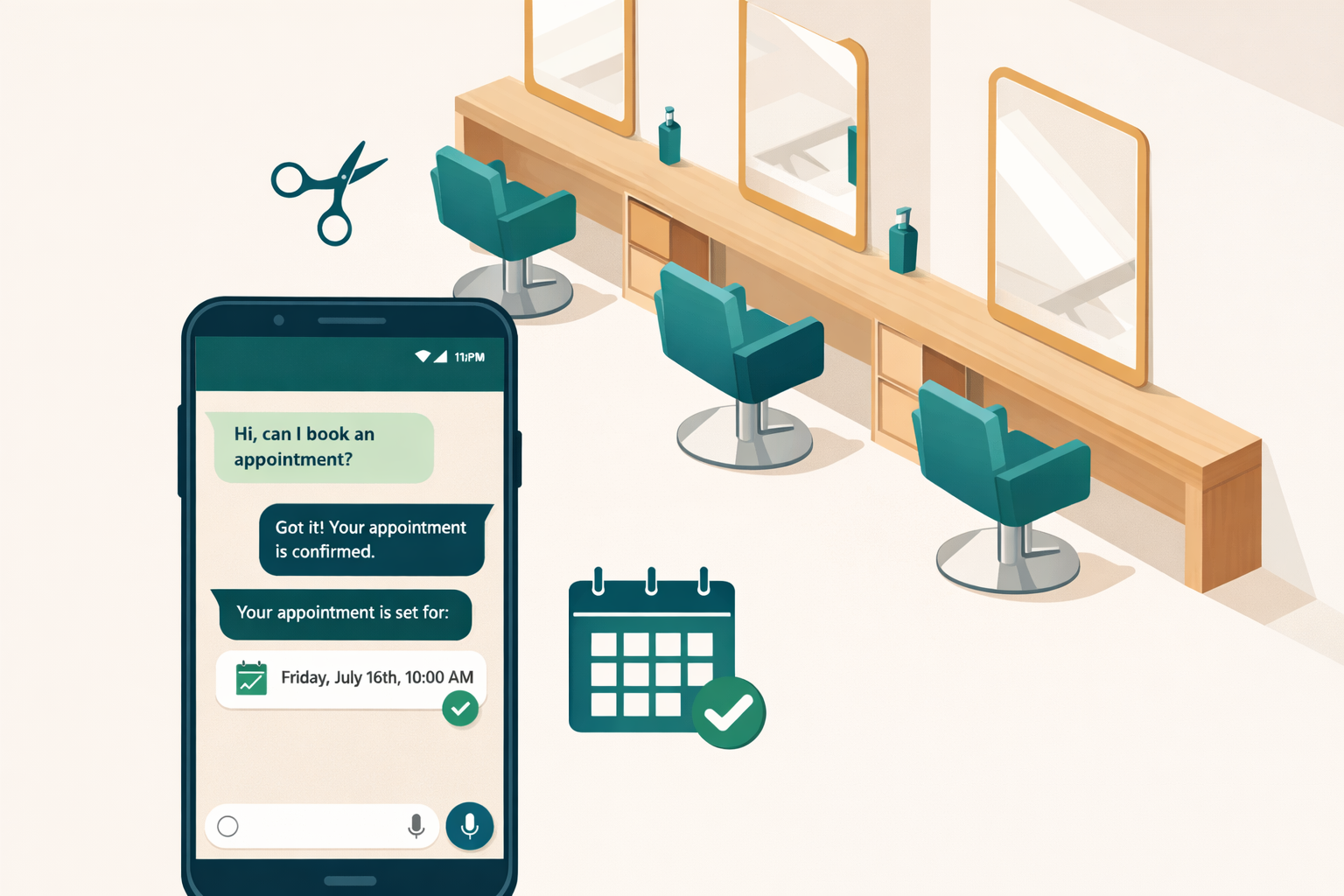
A client messages your salon on WhatsApp at 10:30 PM:
"Hi, I'd like to book a full colour and cut — I have medium-length hair. What do you have available next week?"
The AI responds immediately:
"Hello! Of course — for a full colour and cut with medium-length hair, we'd typically set aside about 2.5 hours. We have availability on Tuesday at 10 AM and Thursday at 2 PM next week. Which would work better for you?"
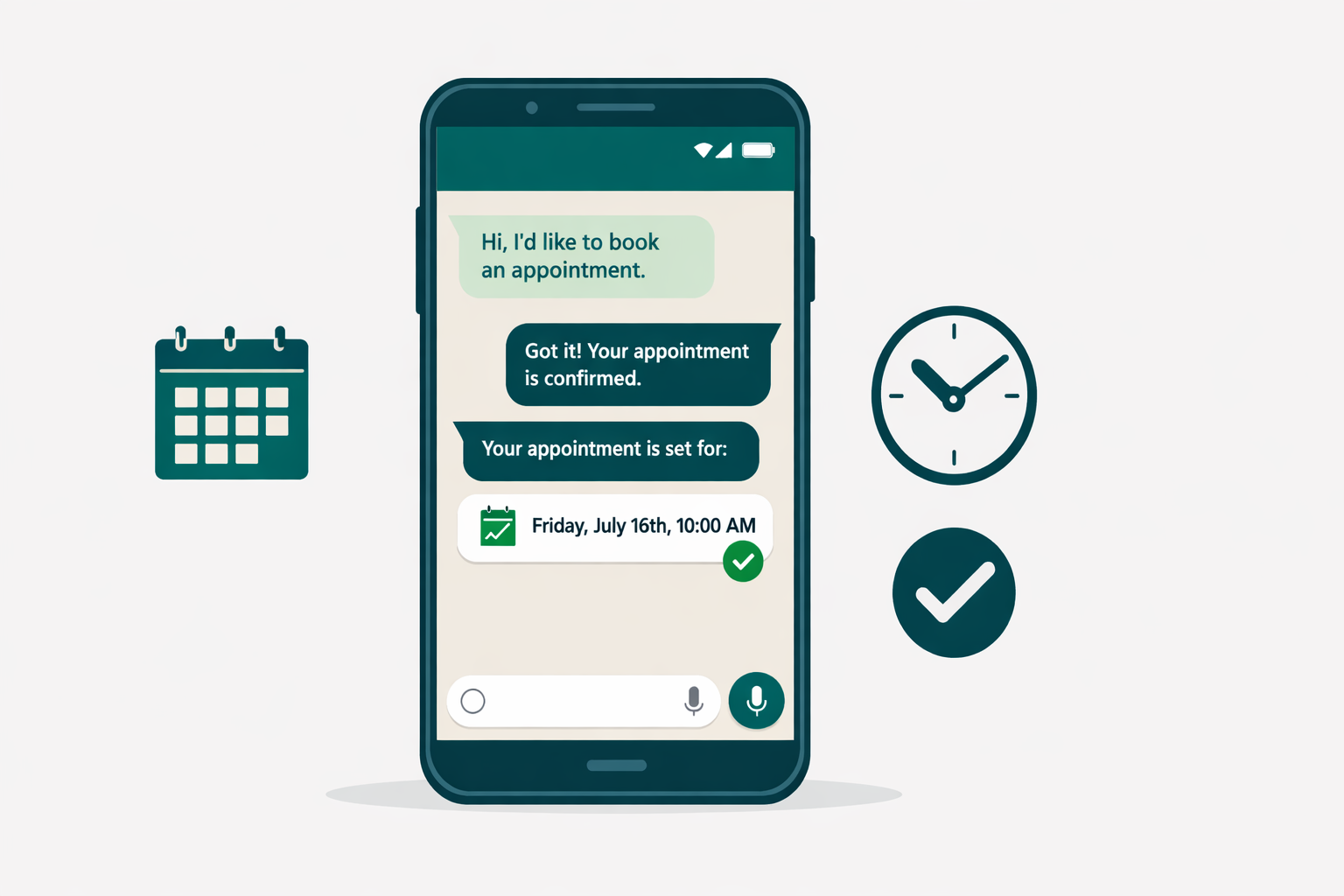
The client picks Thursday. The AI confirms the booking, sends a confirmation message, adds the appointment to your salon calendar, and schedules a reminder for 48 hours before.
You wake up the next morning. Thursday at 2 PM is booked. You didn't lift a finger.
What the AI Knows About Your Salon
The assistant is configured with your specific services, your team of stylists, your price list, and your availability. It doesn't make up information or give generic answers — it represents your salon specifically.
If a client asks "Does Anna have anything free this week?" — the AI checks Anna's schedule and responds accordingly. If Anna is fully booked, it can offer an alternative or ask if the client would like to be notified if a cancellation opens up.
Handling Complex Requests
Not every inquiry is straightforward. Some clients:
- Want to discuss a technique before booking
- Are unsure which service they need
- Have a very specific requirement (a wedding booking, a consultation for a major colour change)
For these, the AI can answer general questions and guide the client, then hand the conversation to you when human judgment is needed. You get a complete record of the conversation so you're fully up to speed the moment you pick it up.
Setup Steps
Getting Empfio running for your salon is straightforward. Most salons are fully set up within an hour.
Step 1: Create your Empfio account
Sign up and choose the salon industry. This pre-loads the conversation flow that's already built around how salon bookings work — service selection, stylist preference, availability, confirmation.
Step 2: Add your services
Enter each service you offer with:
- Name (e.g., "Full Colour & Cut", "Balayage", "Blowout")
- Typical duration (e.g., 2.5 hours)
- Price or price range
- Any notes for the AI (e.g., "prices vary by hair length — AI will clarify during booking")
Step 3: Add your team
If clients can choose a stylist, add each team member with their name and working days. The AI will factor this into availability when a client has a preference.
Step 4: Set your availability
Enter your salon's opening hours and any regular breaks. If individual stylists have different schedules, you can set those too. Empfio will only offer slots when you're actually open and the right person is available.
Step 5: Connect WhatsApp
Most salons get the best results through WhatsApp — it's where their clients already are. Connect your WhatsApp Business number in Empfio's settings. The setup wizard walks you through it and takes less than five minutes.
You can also add a chat widget to your website for clients who find you online.
Step 6: Go live
That's it. From this point, your AI assistant is active and taking bookings. You'll see every booking appear in your Empfio calendar in real time.
Results to Expect
Salons using AI-assisted booking consistently report improvements across the key numbers that matter:
More bookings overall. Responding to every inquiry — including after-hours messages — captures clients that would previously have gone cold. Most salons see a 25–35% increase in bookings completed per month after switching.
Significantly fewer no-shows. Automated reminders reduce no-shows to under 5% for most salons, compared to an industry average of 15–20% without reminders. For a salon with 80 appointments a week at €50 each, that's €400–€600 in additional completed revenue every single week.
Time back for your team. Stylists and front-of-house staff spend less time on their phones handling inquiries. This time goes back into the work — and into clients who are already there.
Happier clients. Instant responses feel professional and attentive. Clients who message at 10 PM and get a confirmed booking within minutes are consistently more satisfied — and more likely to rebook.
A cleaner calendar. Because all bookings flow through one system, your schedule is always accurate and up to date. No double bookings. No missed pencilled-in appointments. No confusion about which stylist is where.
The Local Competition Reality
Here's something worth considering: the salon next door is probably dealing with the same problem you are. But as AI booking becomes more common, the salons that adopt it first will build a reputation for being easy to reach, fast to respond, and reliable to deal with.
In a local market, that reputation compounds. Clients recommend you because booking was effortless. They rebook because the reminder arrived at just the right time. They stay loyal because you always replied.
The salons that respond first don't just win individual bookings — they build the client relationships that last years.
The Bottom Line for Salon Owners
AI booking doesn't change what makes your salon great — the talent, the atmosphere, the relationships with your clients. It just removes the friction that costs you bookings.
Every inquiry gets answered. Every booking gets confirmed. Every appointment gets a reminder. All of it happens automatically, around the clock.
Every inquiry gets answered. Every booking gets confirmed. Every appointment gets a reminder. All of it happens automatically, around the clock — while you focus on the work that actually fills your chairs.