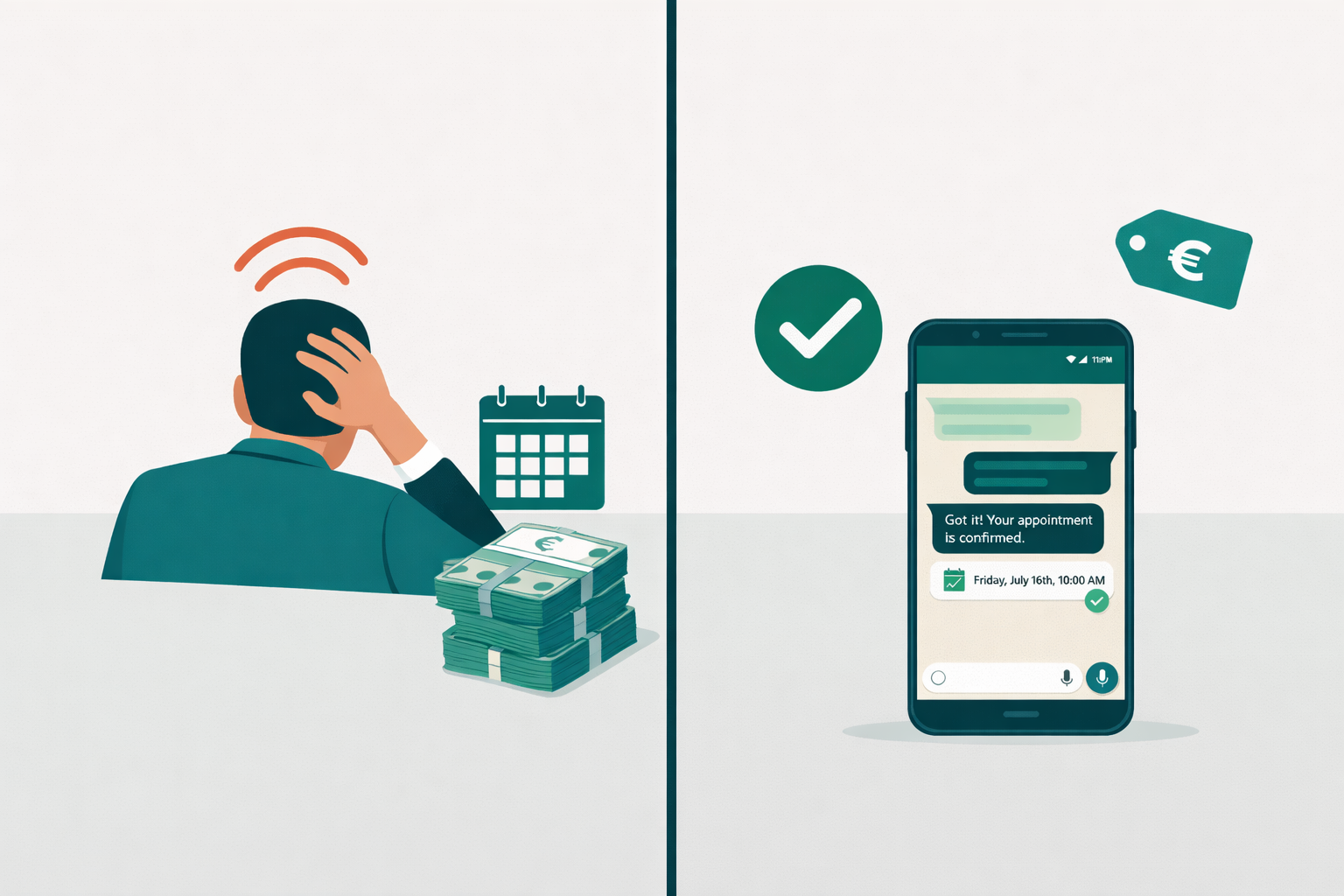
It's Sunday evening and three clients just messaged your salon about next week. By Monday morning, two of them have already booked with someone else. If this sounds familiar, WhatsApp appointment booking is exactly what your salon needs.
Why WhatsApp for Salon Appointment Booking?
WhatsApp has over 2 billion active users worldwide. For most of your clients, it's the most natural way to reach out — faster than email, more comfortable than calling during busy salon hours.
The problem: Most salons use WhatsApp Business manually. Every inquiry is answered one by one, appointments are entered into the calendar by hand, reminders get forgotten. Stylists are on the floor all day — there's simply no one watching the messages.
This costs real money. Every unanswered message is a missed chair.
The Solution: AI-Powered Booking for Your Salon
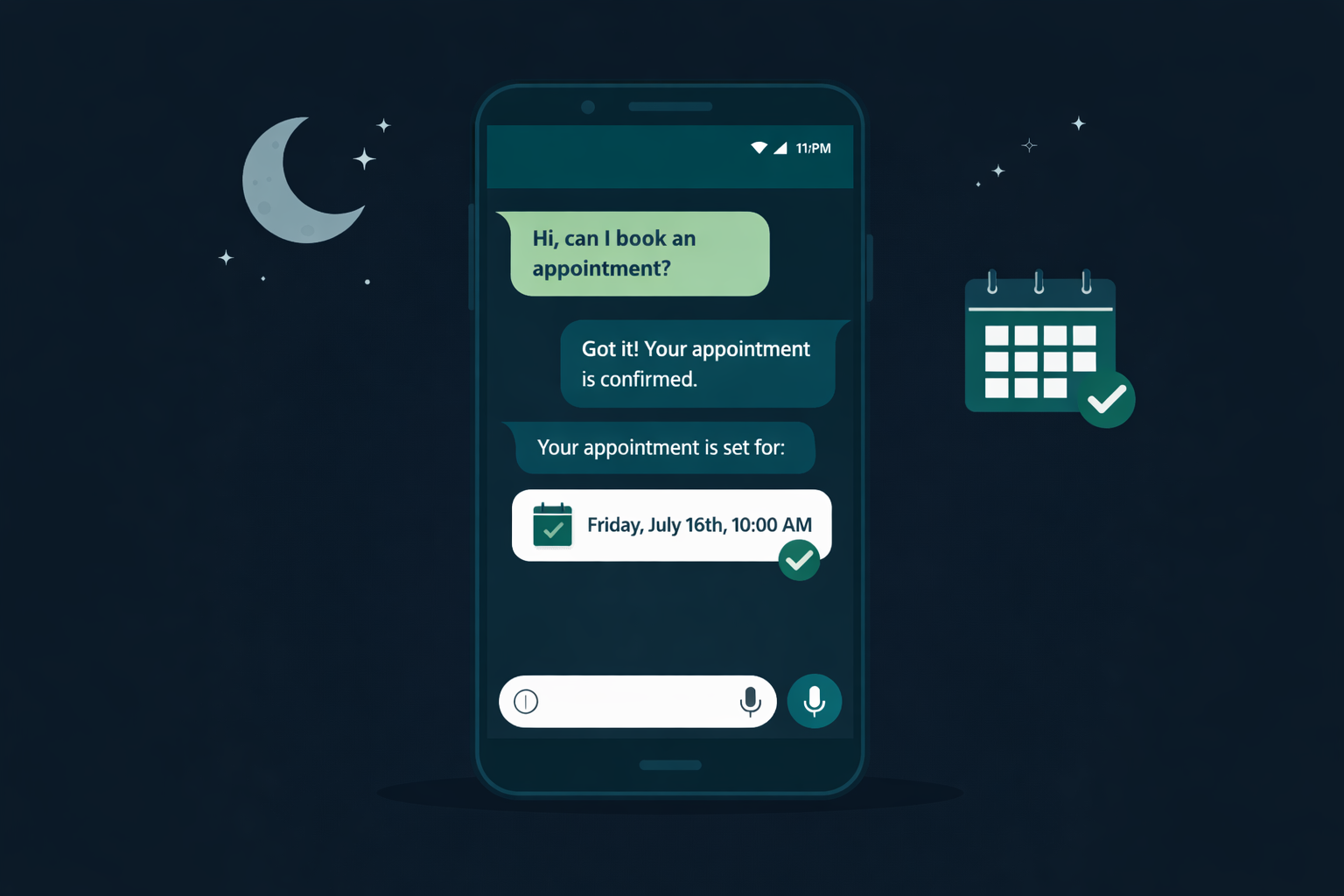
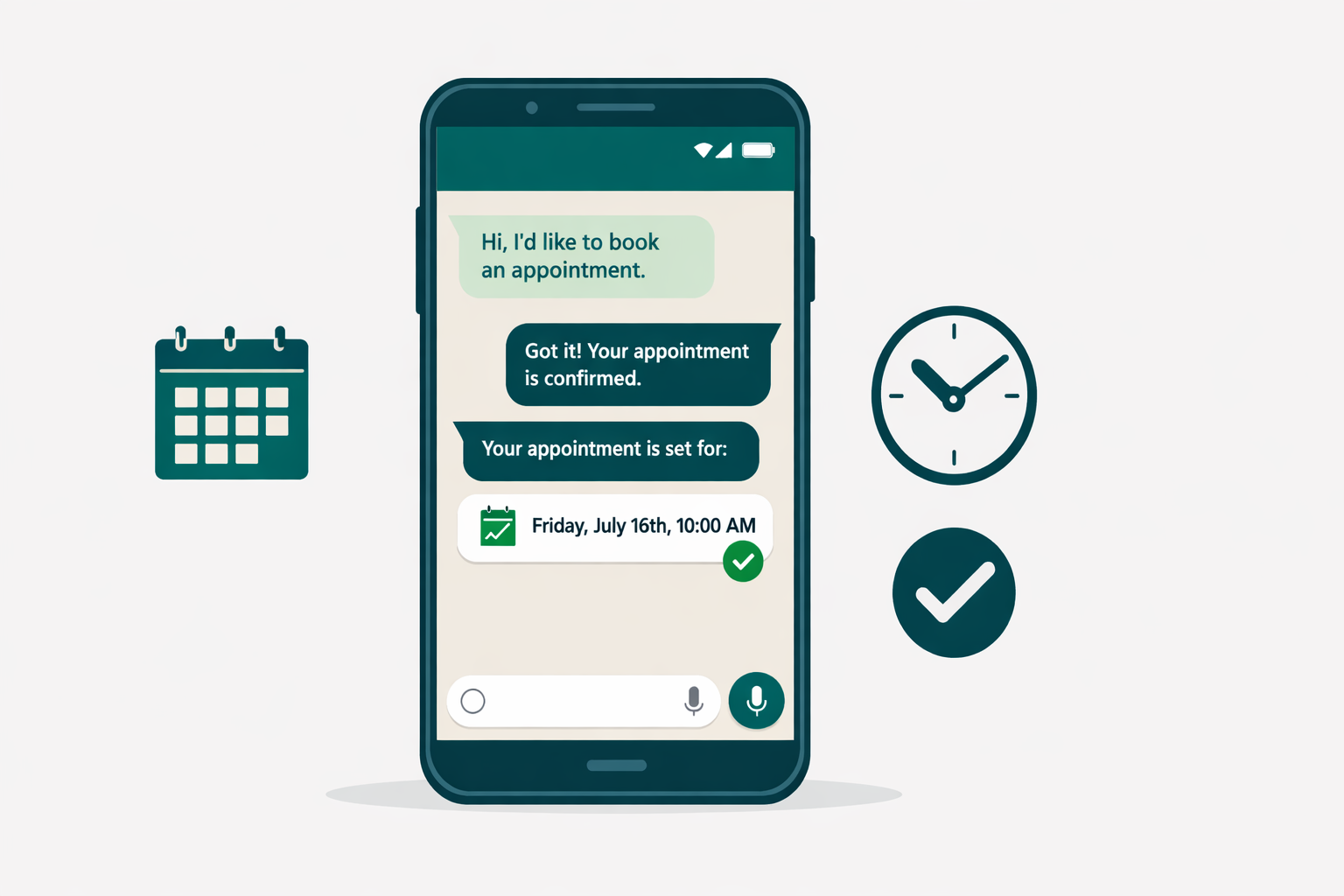
Imagine this: A client messages your salon at 10 PM asking about a balayage appointment for next week. Instead of waiting until tomorrow morning, an AI assistant responds immediately — friendly, knowledgeable, and in your salon's name.
The assistant:
- Greets the client and asks which service they're looking for
- Checks your stylist availability in real-time
- Suggests the right time slots based on service duration
- Confirms the booking and adds it to your calendar automatically
- Sends reminders 48 hours and the morning before the appointment
All of this happens in minutes — while you sleep, while you're with clients, while you're doing anything else.
Who Benefits from WhatsApp Appointment Booking?
Hair Salons
Over 40% of salon inquiries come outside business hours — evenings, early mornings, and weekends when your team is off the floor or closed. With automated WhatsApp booking, you never miss a single one.
Typical booking flow:
- Client writes: "I'd like to book a balayage and cut — medium-length hair"
- AI responds: "Of course! That would be around 2.5 hours. We have Tuesday at 10 AM or Thursday at 2 PM next week — which works better for you?"
- Client selects from the options
- Appointment confirmed and in your calendar in 2 minutes
Beauty Studios and Nail Salons
Quick services like manicures, lash extensions, and facials are high-frequency bookings. Clients want to book fast, on the go, in the channel they already use daily. WhatsApp AI handles the whole conversation and fills your slots around the clock.
Barbershops
Evening and weekend inquiries are peak times for barbershop clients — and peak times when you're fully booked with walk-ins and can't answer messages. Automated booking captures those inquiries instead of losing them.
How to Set Up WhatsApp Appointment Booking for Your Salon
Step 1: Set Up WhatsApp Business
If you haven't already, switch from the regular WhatsApp app to WhatsApp Business. It's free and gives you a professional business profile with hours, address, and service descriptions your clients can see before they even message you.
Step 2: Connect Empfio
Empfio connects directly to your WhatsApp Business account. Setup takes less than 5 minutes:
- Sign up for Empfio
- Go to Settings → Channels → WhatsApp
- Follow the connection wizard
- Done — your AI assistant is now live and taking bookings
Step 3: Add Your Services and Stylists
Enter your services (colour, cut, balayage, blowout, treatment, nails, lashes — whatever you offer) with typical durations and prices. Add your stylists so clients can request a specific person and the AI checks their individual availability.
Step 4: Set Your Availability
Define your salon's opening hours and each stylist's schedule. The assistant will only suggest appointments when the right person is actually available.
Real Results from Salons
Salons that switched to automated WhatsApp booking report consistent improvements within the first few weeks:
- 70% fewer missed inquiries — because the AI responds to every message, 24/7
- 25–35% more bookings per month — capturing clients that previously went cold overnight
- 30% fewer no-shows — thanks to automatic reminders before every appointment
- 15+ hours saved per week — no more manual scheduling, back-and-forth, and calendar juggling
- Higher client satisfaction — instant responses at any hour feel professional and attentive
For a salon booking 80 appointments a week, a 30% no-show reduction alone means 8–12 additional completed appointments every week — without booking a single new client.
Common Questions from Salon Owners
Can the AI handle complex service requests?
Yes. The AI is built around how salon bookings actually work — service selection, stylist preference, duration based on hair length, pricing clarification. For very specific requests (wedding bookings, consultations for major colour changes), it can gather the details and hand the conversation to you when human input is needed.
Does it work alongside a receptionist?
Absolutely. Many salons use Empfio to handle after-hours and overflow messages while their front desk manages walk-ins and phone calls during the day. It fills the gaps without replacing anyone.
How much does it cost?
WhatsApp integration is included in all Empfio plans. You don't pay extra per message or per booking.
Does it work in multiple languages?
Yes. The AI assistant responds in the language your client writes in — English, German, French, and more. Ideal for salons with an international clientele.
WhatsApp appointment booking isn't a luxury anymore — it's the standard your salon clients expect. With the right solution, you capture more bookings, waste less time, and deliver a service that makes your local competition look outdated.